Introduction
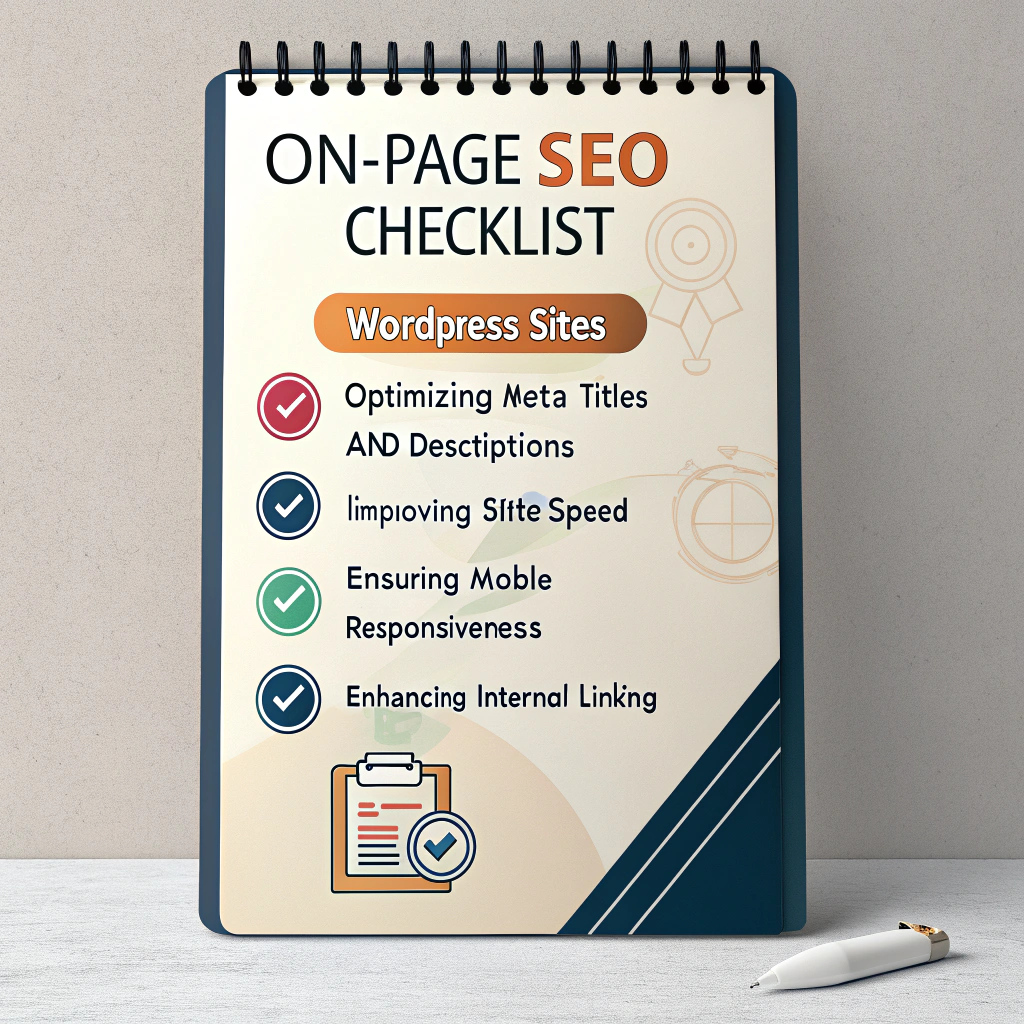
On-Page SEO Checklist is a must-have guide for WordPress beginners who want their website to rank higher in Google search results. Many new website owners focus solely on content creation and ignore essential on-page SEO elements, which can significantly affect search visibility. Even high-quality, engaging content can struggle to rank if your pages are not optimized properly.
This On-Page SEO Checklist provides a complete, step-by-step framework for beginners to optimize WordPress posts and pages. From crafting SEO-friendly titles and meta descriptions to structuring headings, URLs, and images, this guide ensures that every page is search-engine ready. By following this checklist, you can enhance your website’s usability, boost organic traffic, and improve overall search performance.
In 2025, Google emphasizes not only content quality but also technical and structural on-page SEO factors. These include proper heading hierarchy, keyword-rich URLs, optimized images, mobile responsiveness, fast page loading speed, and the use of structured data like schema markup. This On-Page SEO Checklist covers all these aspects in practical, actionable steps, making it easy for beginners to implement immediately.
Many beginners make common mistakes such as neglecting meta descriptions, skipping internal linking, or overstuffing keywords. Following this On-Page SEO Checklist helps avoid these pitfalls while ensuring your content aligns with modern SEO standards. Even without advanced technical knowledge, you can implement these steps to improve Google rankings and user experience.
This guide also stresses the importance of combining content quality with on-page optimization. While writing valuable content is crucial, proper on-page SEO ensures that search engines can index and understand your content correctly. The On-Page SEO Checklist walks you through optimizing titles, meta descriptions, headings, images, URLs, and internal/external links, while also addressing page speed, mobile usability, and schema markup.
Using this On-Page SEO Checklist, beginners can create a strong foundation for their WordPress website, ensuring it performs well in search results over time. By following each step—from keyword placement to technical improvements—you will improve both rankings and visitor engagement. Regular updates and audits using this checklist keep your content relevant, accurate, and competitive in Google search results.
Ultimately, this On-Page SEO Checklist is your roadmap for building a WordPress website that is both user-friendly and optimized for search engines. Implementing these strategies consistently will help beginners achieve higher organic traffic, longer visitor engagement, and sustained SEO success in 2025.
Step 1 – Optimize Your Page Titles and Meta Descriptions
Key Points:
Include primary keyword naturally
Keep titles <60 characters
Meta descriptions 150–160 characters
Make them enticing for clicks
Common mistake: Using generic titles or duplicating meta descriptions.
Internal link:
How to Write Blog Posts That Rank on Google
Step 2 – Use SEO-Friendly URLs
Guidelines:
Include main keyword
Keep URLs short and readable
Avoid numbers, special characters, or unnecessary words
Example:
www.example.com/post123
www.example.com/on-page-seo-checklist
Step 3 – Optimize Headings
Only one per page (main title)
Use subtopics and related keywords
Make headings clear and descriptive
Human tip:
Well-structured headings improve readability and user engagement.
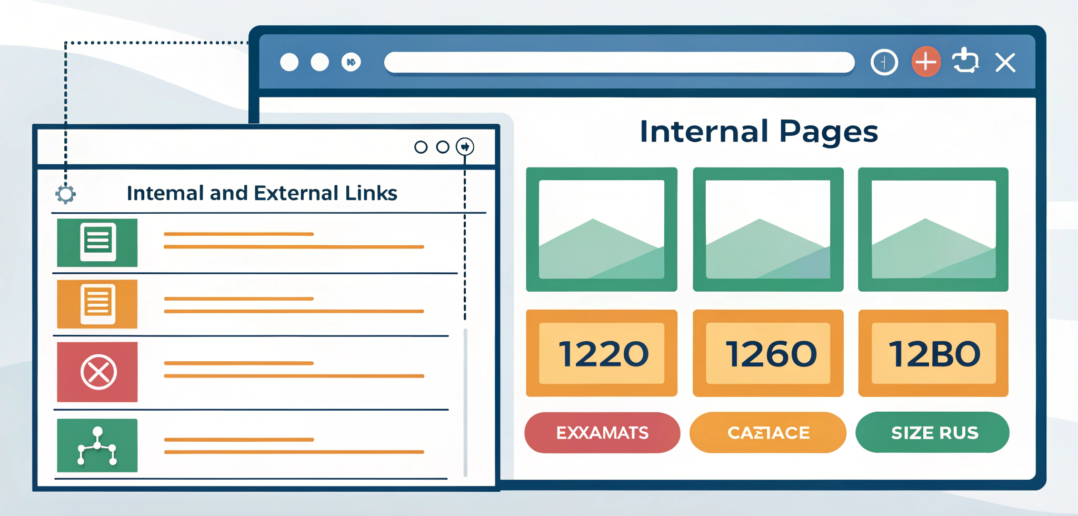
Step 4 – Add Internal and External Links
Internal: Link to relevant posts/pages on your site
External: Link to authoritative sources (Google, Moz, Ahrefs)
SEO insight:
Internal linking distributes authority; external links improve trustworthiness.
Step 5 – Optimize Images
Steps:
Use descriptive file names
Add alt text with keywords
Compress images for faster loading
Use proper dimensions for responsive design
Example:
File name: on-page-seo-checklist.png
Alt text: “On-page SEO checklist for WordPress beginners”
Step 6 – Improve Content Readability
Short paragraphs (2–3 lines)
Use bullet points and numbered lists
Add examples and visuals
Avoid passive voice where possible
Real-world tip:
Readable content reduces bounce rate and increases time on page.
Step 7 – Add Schema Markup (Structured Data)
Use FAQ schema for Q&A sections
Add article schema for blog posts
Enable breadcrumbs for better indexing
External reference:
Google Structured Data Guidelines
Step 8 – Mobile Optimization
Use mobile-friendly themes
Check responsiveness on multiple devices
Optimize font size and spacing
Human insight:
Mobile-first indexing is a Google ranking factor.
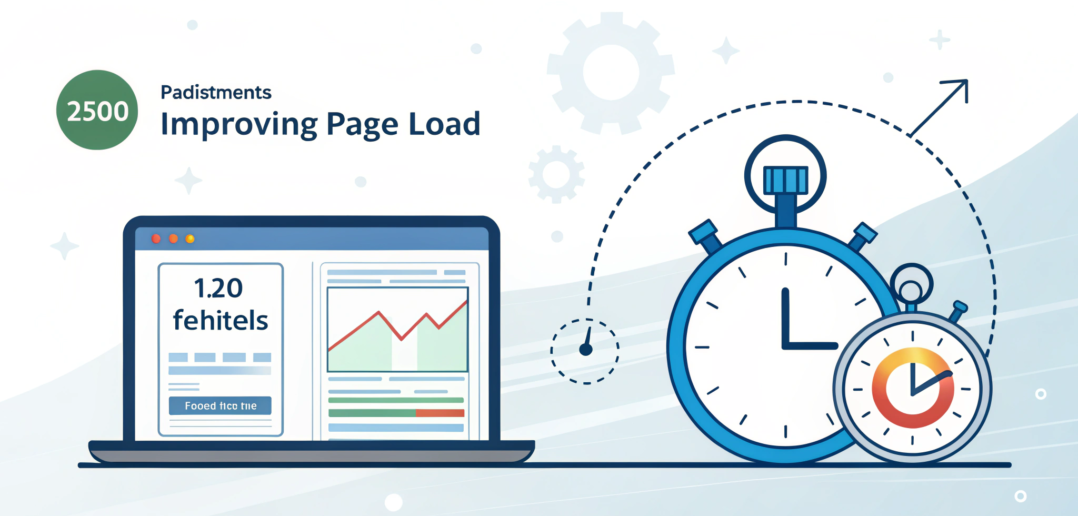
Step 9 – Improve Page Load Speed
Enable caching plugins
Minify CSS and JS
Use a CDN for faster delivery
Optimize images
Pro tip:
Faster pages improve both SEO and user experience.
Step 10 – Review and Update Regularly
Audit your posts monthly
Refresh outdated content
Add new internal links
Correct broken links
Experience:
Regular updates keep content relevant and improve rankings over time.
FAQ Section
Q1: How many H2/H3 headings should I use per post?
Use as many as needed for clarity—usually 4–8 H2s with supporting H3s.
Q2: Do images affect SEO?
Yes, optimized images improve load time and user experience, which indirectly impacts SEO.
Q3: Should meta descriptions include the keyword?
Yes, naturally. Avoid stuffing.
Q4: Is schema markup necessary for beginners?
Not mandatory, but it improves SERP visibility and click-through rates.
Q5: How often should I update my on-page SEO?
Every 2–3 months, or when content changes.
Mobile vs desktop layout visualization
Internal Linking Summary
How to Write Blog Posts That Rank on Google (Proven Process) –
Blog Post Writing Tips for Beginners (That Actually Rank) –
External Authority Links
Google Search Central
Moz On-Page SEO Guide
Ahrefs Blog