Introduction
How to start a blog in 2025 is easier than ever thanks to modern platforms, tools, and hosting services—but doing it the right way is where most beginners struggle. Many people jump in without a plan, pick a niche that’s too broad, or quit after a few months because they don’t see results. If you want a blog that grows steadily, ranks on Google, and eventually generates income, you need a clear roadmap from the very beginning.
Starting a blog without preparation is like setting out on a journey without a map. You may get somewhere eventually, but the process will be slower, harder, and far less rewarding. The blogs that succeed are the ones built intentionally—starting with a profitable niche, optimized setup, and a plan for consistent content creation.
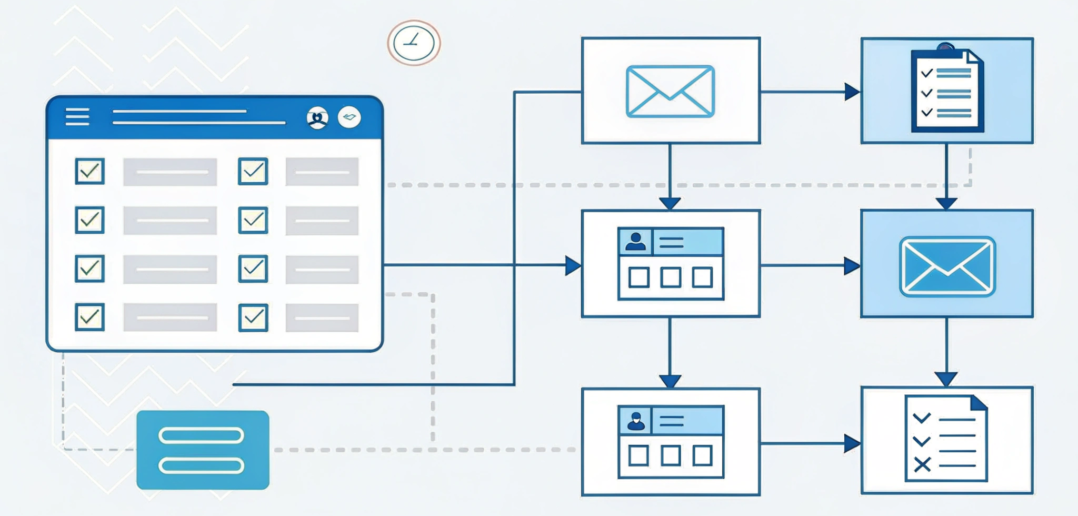
This guide is written from real blogging experience, not theory. It walks beginners through every essential step: choosing a profitable niche, picking a domain name and hosting, installing WordPress, setting up your site, and publishing your first post. It also covers beginner-friendly SEO practices, content strategy, and tips to avoid common mistakes. Whether you plan to blog as a side project or create a long-term online asset, following this guide will help you start correctly in 2025.
Choosing the right niche is arguably the most important step. A well-defined niche helps you attract a targeted audience, create content consistently, and monetize effectively. Profitable niches in 2025 include blogging & online business, personal finance, education, health (non-medical), and technology. Focused blogs rank faster, build authority quicker, and are easier to manage than general “everything” blogs.
Next comes your domain name and hosting. A short, memorable, and niche-related domain paired with reliable hosting ensures your blog loads quickly, performs well on Google, and provides a good user experience. Beginner-friendly hosting often includes one-click WordPress installation, free SSL, and strong uptime—making setup simple even for non-technical users.
Once WordPress is installed, a clean, SEO-friendly theme is essential. Fast-loading, mobile-responsive, and minimal themes not only improve rankings but also increase trust and conversion rates. Overloading your site with flashy animations or unnecessary plugins can hurt speed and usability, so keep things simple. Install only essential plugins like an SEO plugin (RankMath or Yoast), caching, security, and image optimization tools.
Before publishing posts, create core pages such as About, Contact, Privacy Policy, and Disclaimer. These pages build credibility, support Google’s E-E-A-T guidelines, and prepare your blog for monetization or ad approval.
When writing your first post, focus on being helpful, structured, and clear. Beginners often underestimate the power of a single well-optimized post—it can rank faster than multiple generic articles. Combine this with basic SEO actions like targeting one main keyword, writing descriptive titles, optimizing images, and adding internal links. SEO results take time, so be patient and consistent; most blogs fail not because blogging doesn’t work, but because beginners quit too early.
Consistency matters more than perfection. A realistic posting schedule for beginners is 1–2 posts per week, focusing on quality over quantity. Combined with proper SEO, helpful content, and the right niche, this approach can steadily grow traffic, authority, and eventually income.
By following this beginner-friendly roadmap, you’ll learn exactly how to start a blog in 2025 the right way. From niche selection to your first post and basic SEO setup, this guide equips you to build a blog that lasts, ranks, and grows over time.
Step 1 – Choose the Right Blogging Niche (Most Important Step) how to start a blog in 2025
Choosing the right niche determines whether your blog succeeds or fails.
What Makes a Good Blogging Niche in 2025?
People are actively searching for it
There is monetization potential
You can create helpful content consistently
Examples of Profitable Niches
Blogging & online business
Personal finance
Education & tutorials
Health (non-medical advice)
Technology & AI tools
Real-world tip:
Avoid “general” blogs. A focused niche ranks faster and builds authority quicker.
Internal link suggestion:
Blog Content Ideas for Beginners
Can Blogging Still Make Money?
Step 2 – Pick a Domain Name & Hosting
Choosing a Domain Name
A good domain name should be:
Short & memorable
Easy to spell
Related to your niche
Example: BlogZentix.com (brandable + flexible)
Choosing Hosting
Reliable hosting improves:
Website speed
SEO rankings
User experience
Beginner-friendly hosting features:
One-click WordPress install
Free SSL
Good uptime
External reference:
WordPress.org (official CMS documentation)
Step 3 – Install WordPress & Basic Setup
WordPress powers over 40% of websites worldwide, making it the best platform for blogging.
Basic Setup Checklist:
Install WordPress
Set site title & tagline
Adjust permalink settings (Post name)
Delete default posts
Common mistake:
Many beginners ignore permalink settings, causing SEO issues later.
Internal link:
On-Page SEO Checklist
Step 4 – Choose a Clean, SEO-Friendly Theme
Your theme affects:
Site speed
Mobile responsiveness
User trust
What to Look for in a Theme:
Fast loading
Mobile-friendly
Minimal design
Avoid themes packed with unnecessary animations—they slow down your site.
Experience-based advice:
Simple themes convert better than flashy ones.
Step 5 – Install Essential Plugins (Don’t Overdo It)
Must-Have Plugins
SEO plugin (RankMath / Yoast)
Caching plugin
Security plugin
Image optimization plugin
Mistake to avoid:
Installing too many plugins slows down your blog and causes conflicts.
Internal link:
Website Optimization Tips for Speed
Step 6 – Create Core Pages Before Blogging
Before publishing posts, create these pages:
About Us
Contact
Privacy Policy
Disclaimer
These pages help with:
Trust
Google E-E-A-T signals
Ad network approval
External authority reference:
Google Search Central – Helpful Content Guidelines
Step 7 – Write & Publish Your First Blog Post
Your first post doesn’t need to be perfect—it needs to be helpful.
Beginner Content Tips:
Answer real questions
Use clear headings
Write naturally
Mini Case Example:
A beginner blog focusing on “SEO for beginners” can rank faster than general SEO blogs.
Internal links:
Blog Post Writing Tips for Beginners
How Long Should a Blog Post Be
Step 8 – Basic SEO Setup (Beginner Friendly)
SEO helps your blog get free traffic.
Simple SEO Actions:
Use one main keyword per post
Write descriptive titles
Add internal links
Optimize images
Realistic expectation:
SEO takes time—results usually appear after 3–6 months.
Internal link:
How Long Does SEO Take to Work
Step 9 – Be Consistent (This Is Where Most Fail)
Consistency matters more than perfection.
Recommended Posting Schedule:
1–2 posts per week for beginners
Focus on quality over quantity
Truth:
Most blogs fail because people quit too early—not because blogging doesn’t work.
FAQ Section
Q1: Is blogging still worth it in 2025?
Yes. Blogging still works when done with SEO, consistency, and helpful content.
Q2: How much does it cost to start a blog?
You can start with as little as hosting + domain, usually under $50/year.
Q3: How long before a blog makes money?
Typically 6–12 months with proper SEO and monetization strategy.
Q4: Do I need technical skills to start blogging?
No. WordPress makes blogging beginner-friendly.
Q5: Can beginners really rank on Google?
Yes, especially with low-competition keywords and quality content.
Image / Infographic Ideas
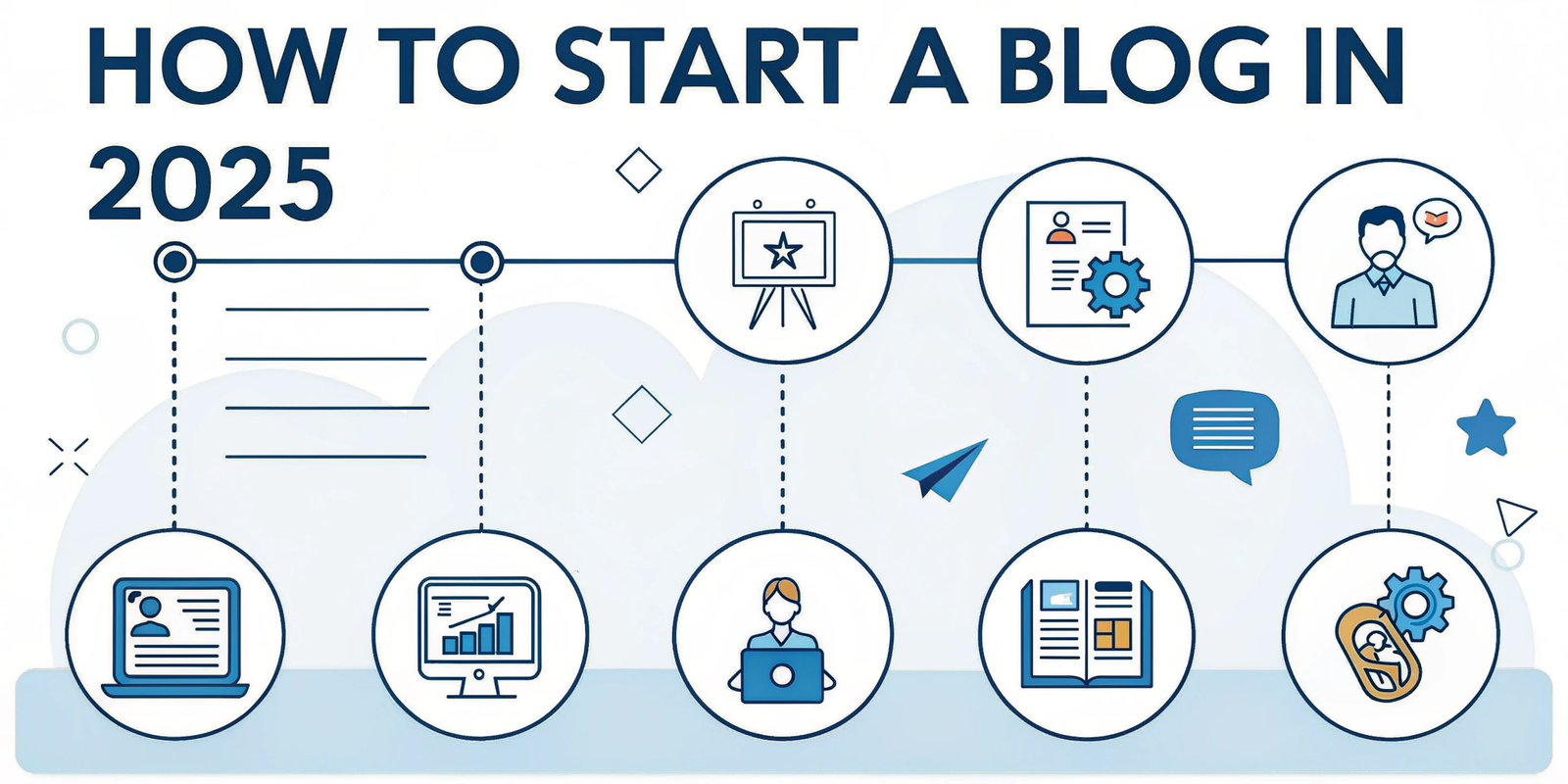
Blog setup flowchart
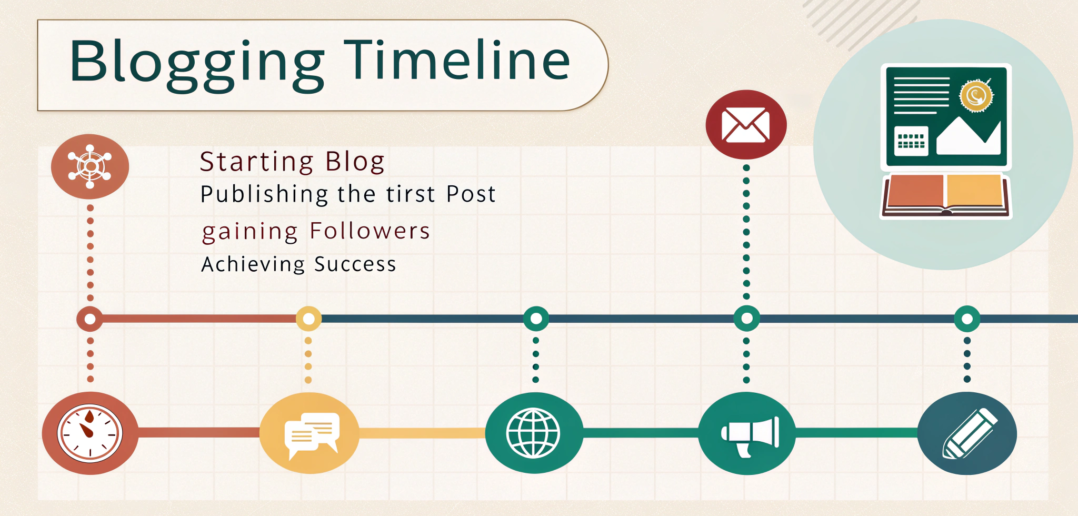
Blogging timeline infographic
Domain & hosting selection visual
Beginner blogging mistakes chart
Internal Linking Summary
Blog Post Writing Tips for Beginners (That Actually Rank) –
On-Page SEO Checklist for WordPress Websites in 2025 –
External Authority Links
WordPress.org
Google Search Central